01
QuickDate Mode
Start with a shared place, an invitation or a seat on today’s Quick Date map. Keep the conversation, reservation request and plan together as you get ready to meet.
Explore the featuresCHRYSA
The details that move a connection forward, together in CHRYSA.
01 / CHRYSA
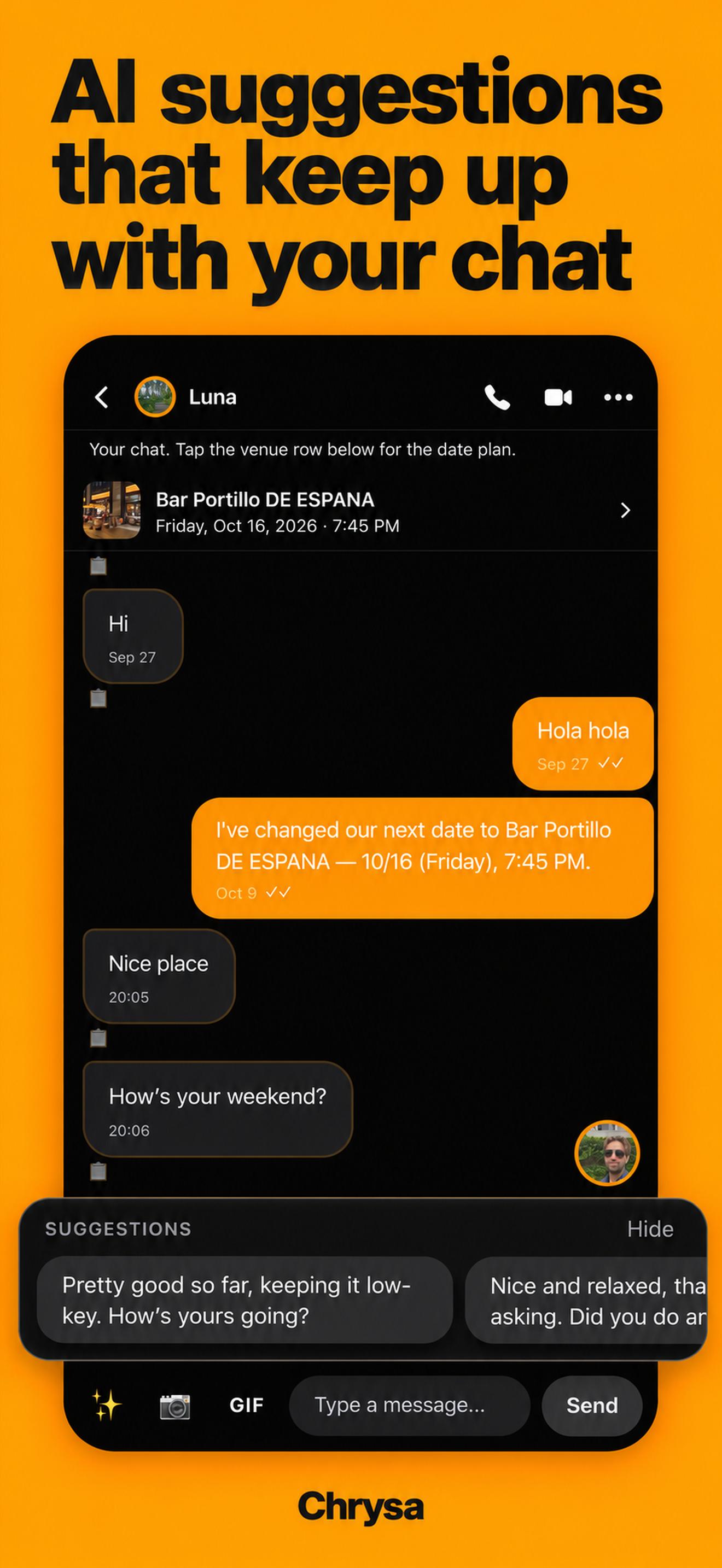
AI reply ideas load automatically when you open a chat and refresh after you send or receive a new message, using the context of your conversation. Suggestions follow the language you are mainly using together. Choose one, edit it and send when you are ready. CHRYSA never sends a suggestion for you.
02 / CHRYSA
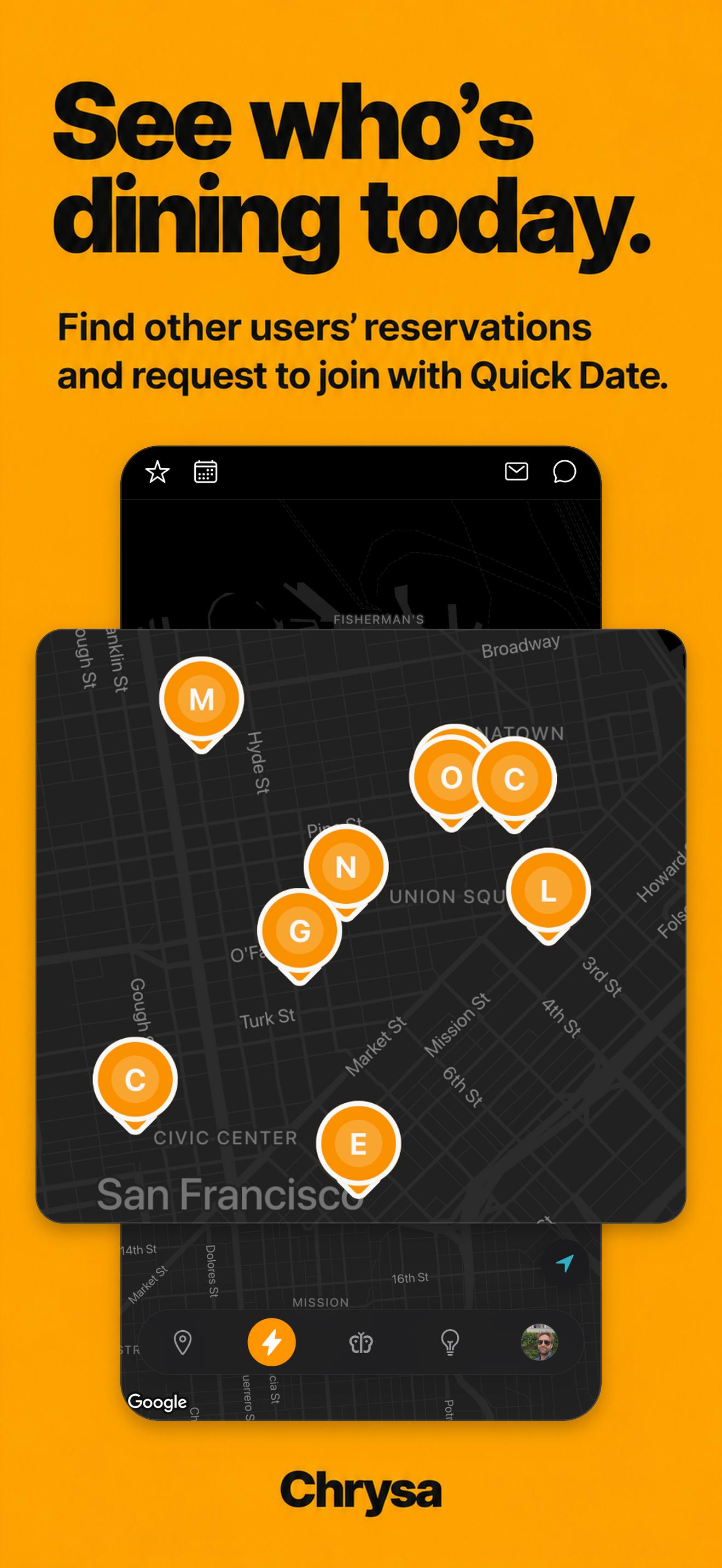
Quick Date puts reservations with a seat to share on the map. Browse the person and the venue, then ask to join. A pin appears only on the reservation day, so what you see is about meeting today. Available invitations depend on who has shared a reservation.
03 / CHRYSA
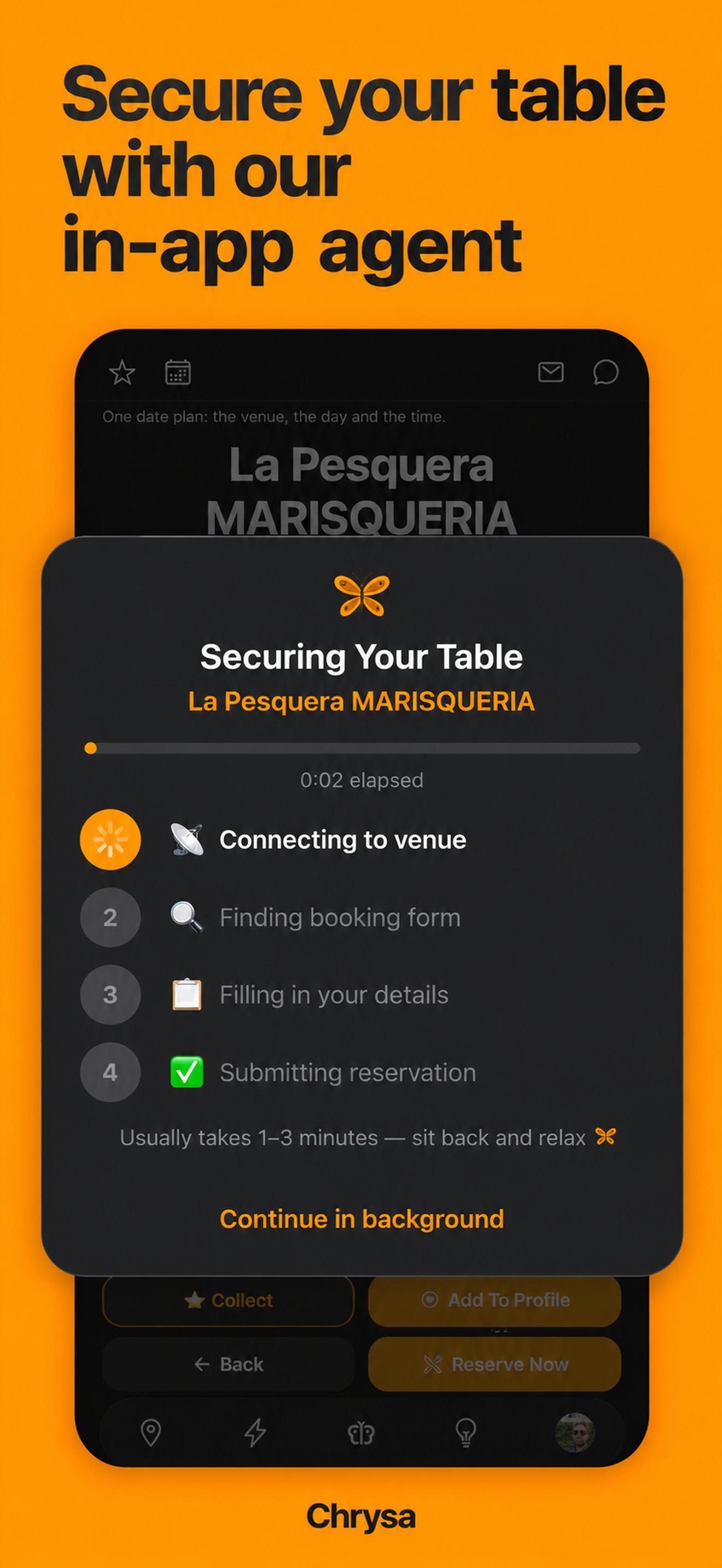
Choose a venue, party size, day and time, then let the reservation agent work through the venue’s online booking steps. Follow progress and receive the result in CHRYSA. A request is not a confirmed reservation; success depends on the venue and availability. Some bookings need a deposit or card details and may require you to finish the process yourself.
04 / CHRYSA
Open a Quick Date to view the person and venue before you request to join. The reservation holder decides whether to accept. The exact reservation time is revealed after acceptance, with the plan and conversation together in the app.

05 / CHRYSA
Explore restaurants, cafés, museums, parks and activities on the Venue Board and Live Map. Save places in collections or share a discovery of your own. Places are shared by the community; appearing on the board does not mean a venue is a CHRYSA partner.

06 / CHRYSA
Choose a venue on the board, tap Reserve Now, select two people and a date and time, then send the booking request. When the reservation succeeds, confirm the details to create your Quick Date. Its pin appears on the reservation day, not as soon as you book a future date.

07 / CHRYSA
Keep CHRYSA dates and bookings together in your calendar. If you grant device-calendar access, you can view existing events alongside your plans. Device-calendar access is optional, and you can manage the permission in your device settings.

01
Start with a shared place, an invitation or a seat on today’s Quick Date map. Keep the conversation, reservation request and plan together as you get ready to meet.
Explore the features02
Start online with an avatar and a handle. Discover your Vibe Color, find people through shared interests, join a Live Room or share on the Square. Let a conversation grow before you decide what comes next.
Explore the featuresEach mode has its own profile and connections. Switching modes does not transfer a connection or create a date.
CHRYSA
CHRYSA is currently free for early adopters.
Available on iPhone and Android in Japan and the U.S. · English, Japanese and Simplified Chinese · 18+